
The lab.
One rig, blunt grades, no magic settings. Everything the lab knows about frames, settings, and statuses.
The lab checklist for frames: right GPU, current driver, 1080p Performance preset, shader patience, NVMe, nothing else running.
Reviewed 2026-10-13.
| Target | 1080p 60 fps on Stable titles |
| Preset | Performance, discrete GPU |
| First launch | Shader hitches are normal |
| Storage | NVMe for streaming titles |
First launch compiles shaders as new effects appear. New district, new spell, new weather — brief hitch, then smooth. The cache persists, so the second session is better.
Beta titles like Marvel's Wolverine build cache through the first hour. Judge frames after the cache fills, not during.
If stutter never fades, re-check steps 1 and 2. Wrong GPU or old driver mimics shader problems.
1440p and 4K are not lab targets. Some Stable titles hold them on strong hardware; most do not. The grade on the page is the 1080p grade.
CPU-bound scenes — big cities, dense hunts — do not scale with GPU upgrades. See GPU and CPU for why.
Kiln is a PlayStation 5 emulator for Windows PC graded on one reference rig. Your frames follow your hardware.
Shader compilation. New effects hitch once while they compile, then run smooth. The cache persists between sessions.
4K is not a lab target. Some Stable titles hold high resolutions on strong hardware, but grades are earned at 1080p.
Compare your PC honestly against the reference rig. Below lab class, Beta-level frames on heavy titles are the expected outcome, not a bug.
One rig, blunt grades, no magic settings. Everything the lab knows about frames, settings, and statuses.
No magic config. The lab baseline: 1080p, Performance preset, discrete GPU, VSync off, game on NVMe.
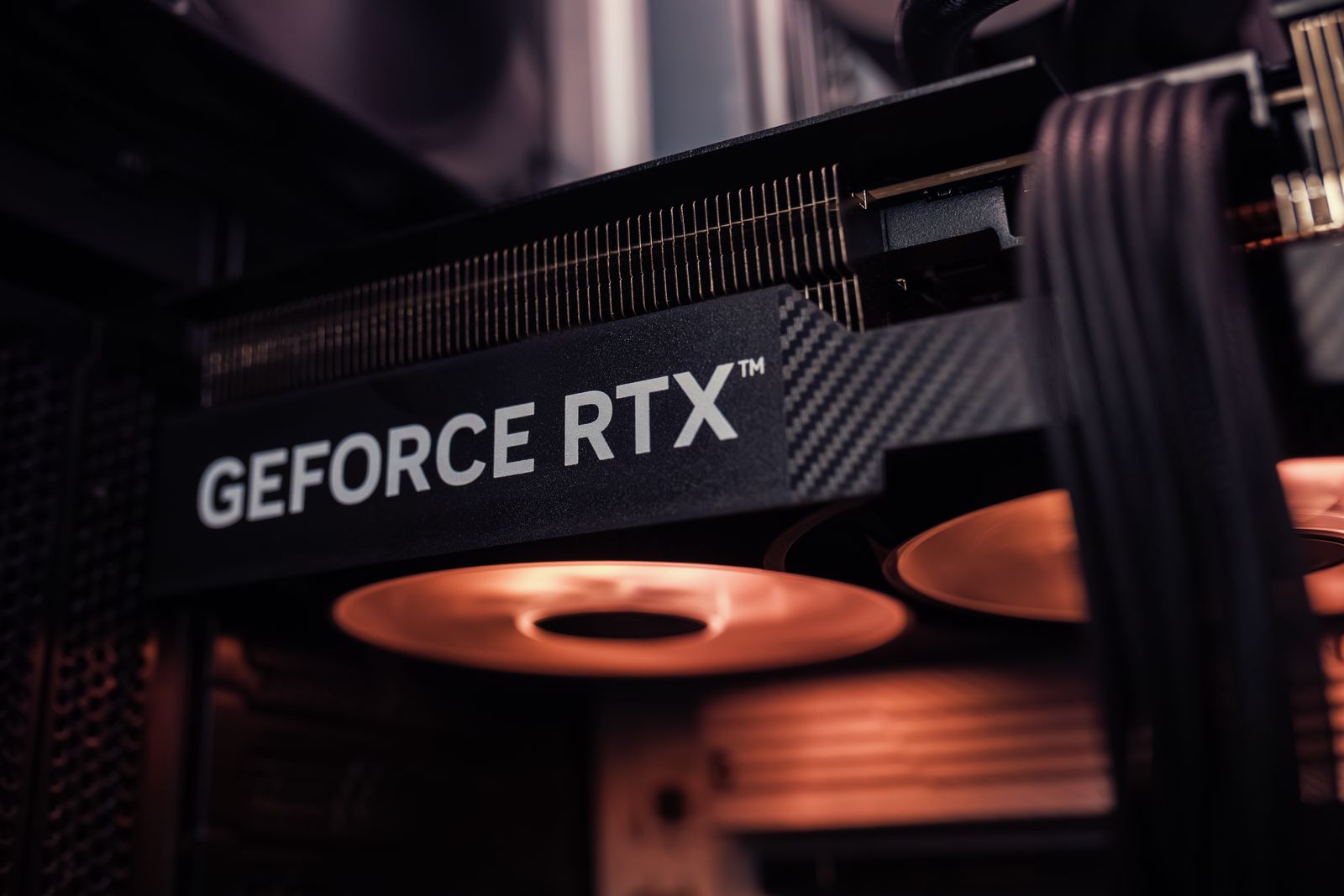
One PC grades everything: 8-core CPU, RTX 3070, 32 GB RAM, NVMe, Windows 11. Every status on the roster comes from this machine.
GPU: Vulkan 1.3, 8 GB+ VRAM, current driver, discrete device selected. CPU: 8 real cores. Everything else is secondary.
NVMe: fast travel in seconds. SATA: the same trips, noticeably longer. The lab grades on NVMe.

Windows installer · 400+ titles in the launcher
Install Firmware with your own PS5UPDATE.PUP, boot the system software, then start a game you own.