
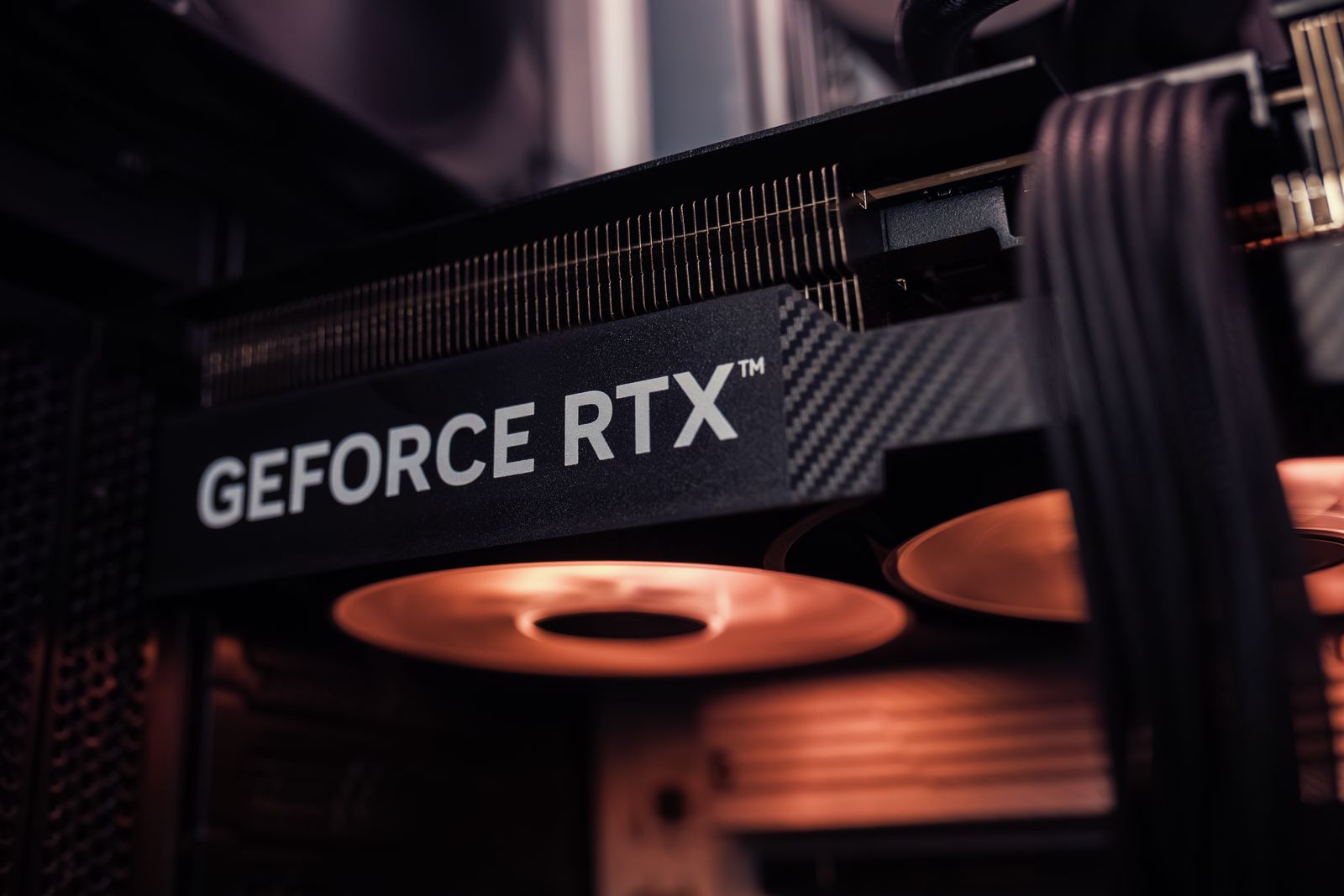
Windows 10 / 11 · x86-64 · desktop and laptop
Spec sheet.
Kiln is a PlayStation 5 emulator for a Windows PC, so the host has to be a real x86-64 machine with a current Vulkan 1.3 driver. Below is the floor, and the class of PC behind the 1080p lab targets.
PlayStation 5 emulator for Windows PC. Windows installer. Own the games you already have. Not affiliated with Sony.
Minimum — boot check
- OS
- Windows 10 64-bit, version 1803 or newer. Windows 11 is fine.
- CPU
- x86-64, 6 cores / 12 threads
- GPU
- Vulkan 1.3, about 6 GB VRAM, current driver. GTX 1660 / RX 590 class is the rough floor.
- RAM
- 16 GB
- Storage
- SSD for the launcher, plus space for the games you already have
- Runtime
- Current 64-bit Microsoft Visual C++ runtime if Windows asks
- Input
- Keyboard, Xbox controller, or DualSense
- Firmware
- Official PS5UPDATE.PUP from Sony, installed with File → Install Firmware. Not bundled.
- Expect
- 720p boot checks. Many titles will not reach gameplay.
Recommended — lab class
- OS
- Windows 11 64-bit
- CPU
- x86-64, 8 cores / 16 threads
- GPU
- Vulkan 1.3, 8 GB+ VRAM. RTX 3060 Ti / RX 6700 XT class is the reference.
- RAM
- 32 GB
- Storage
- NVMe SSD
- Input
- DualSense over USB or an Xbox controller, connected before launch
- Firmware
- Current PS5UPDATE.PUP from Sony’s official system software page, then Boot system software
- Expect
- 1080p lab targets on titles marked Stable. Beta titles reach gameplay with known issues.
x86-64
The installer and the emulator are built for 64-bit x86 (x86-64) Windows. Six cores and twelve threads is the floor for boot checks. The 1080p lab targets come from an eight-core, sixteen-thread CPU.
Vulkan
The renderer baseline is Vulkan 1.3. Install the current driver from NVIDIA, AMD, or Intel, and update the integrated GPU too. An old iGPU driver can get in the way even when you intend to use the discrete card. If the PC has two GPUs, pick the Vulkan device in the Kiln launcher. Vulkan 1.3 does not guarantee a card exposes every feature a title asks for. More VRAM does not finish an emulator path that is not written yet.
DualSense, Xbox, and keyboard
DualSense is the main pad: sticks, triggers, and face buttons are mapped. Xbox controllers work too, on the same layout. Keyboard and mouse can be mapped onto those pad controls when you do not have a controller in front of you. Connect the pad before you launch and confirm it in a menu that is responding. A frozen boot can look like a dead controller. Touchpad, gyro, and adaptive triggers are not promised on every game.
Laptops
A discrete-GPU laptop on wall power is in the same conversation as a desktop of that GPU class, with less headroom. Integrated graphics alone is a boot-check machine at best. Keep the laptop on the discrete GPU for Kiln.
Firmware
Kiln boots the official PS5 system software, the same way other console emulators ask for the console’s own firmware. Download PS5UPDATE.PUP from Sony’s official PS5 system software page, then in Kiln use File → Install Firmware and pick the file. Boot system software brings up the PS5 home. Kiln does not host, bundle, or change the file.
What the installer does not include
The Windows installer is the emulator and the launcher. It does not include firmware or games. Own the games you already have. Kiln does not ship them, and it is not affiliated with Sony.
Download the Windows installer